
Shoefresh logo
Shoefresh logo

All articles

Shoefresh OpodUpdated 8 hours ago
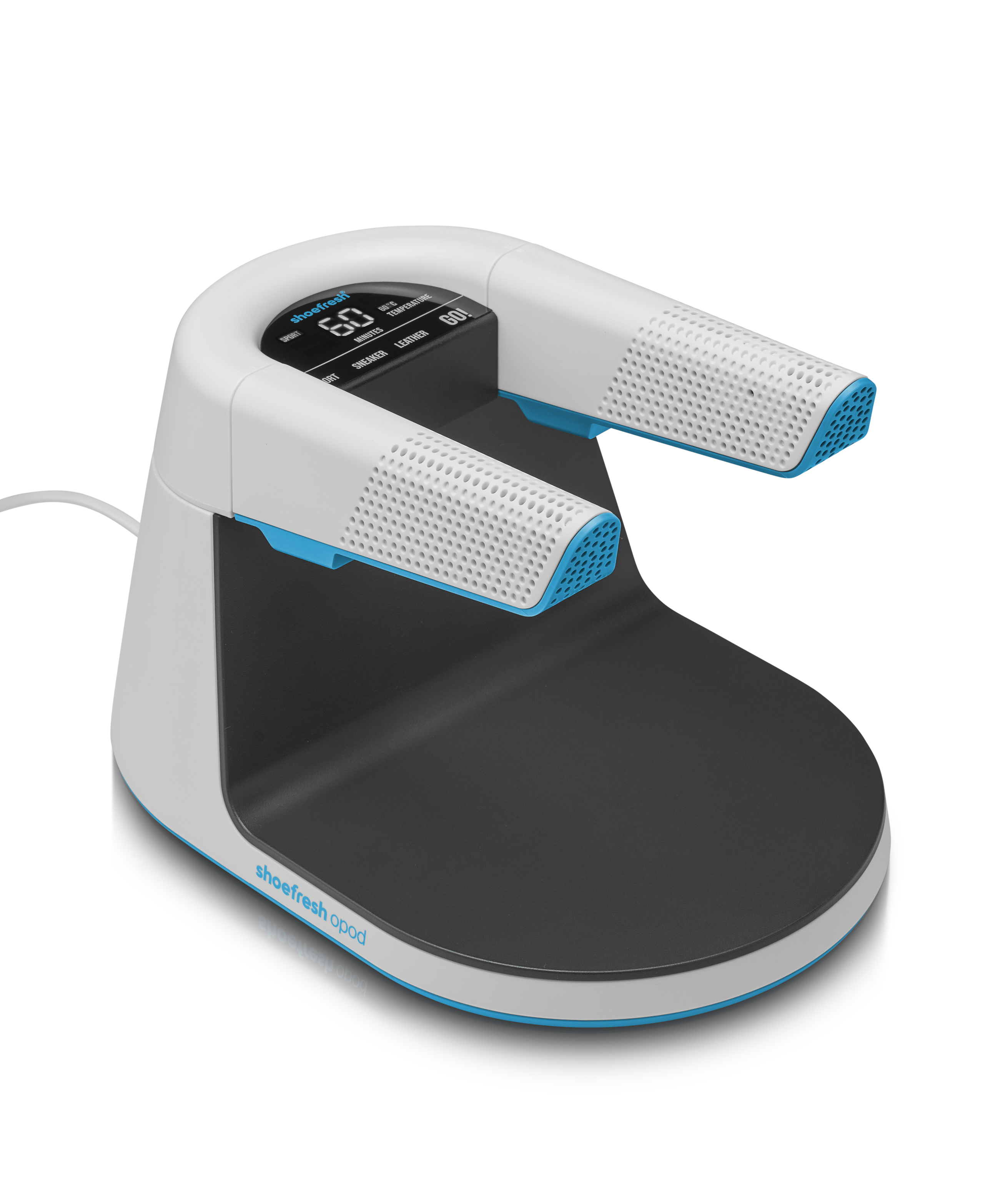
Is the programme not running quite as expected, or do you have a question? No worries! Most issues can be solved quickly with the steps below.

 My shoes stay wet 💧 

How quickly your shoes dry depends largely on the material and how wet they are.

  • Extremely wet shoes? Simply run the programme again.
  • Your shoes should be completely dry after a maximum of 2 programmes of 90 minutes.
  • Still not working? Please contact our customer service.
 My shoes keep smelling 👃 

Give it some time! By cleaning and drying your shoes regularly, the odour gradually decreases. This applies to all shoes, including old pairs. Unfortunately, the smell won't be gone after just a few uses.

  • The golden rule: Put your shoes on the Shoefresh Opod straight after wearing them. Give this process at least one month.
  • Using the Shoefresh Opod for less than a month? Give it a little more time. With regular use, the results will follow.
  • Using it for more than a month without noticing a difference? Please contact us so we can help you find a solution.

Why does it sometimes take longer?

  • 🧀 How persistent the odour is.
  • 👞 The material: synthetic fabrics hold odours differently than leather.
  • 🌧 Environmental factors: such as humidity or ventilation in the room where the device is placed.
 I'm not sure the active oxygen (ozone) is working 🌬️ 

A slight ozone smell during use is completely normal and means the device is working correctly. Active oxygen (ozone) is added in a very small and safe amount during the programme to effectively tackle bacteria and fungi.

Don't smell anything at all and unsure whether it's working?

  • The Opod's self-diagnosis: the Shoefresh Opod checks itself continuously. If the ozone generator is defective, the device immediately shows an E4 error code on the screen.
  • No error code? Then the active oxygen is working properly. The dosage is set extremely low, so you won't be bothered by the smell.
  • Does the screen show an E4 code, or are you still in doubt? Feel free to contact our customer service.
 The programme doesn't start automatically when shoes are placed 👟 

The Shoefresh Opod uses smart infrared sensors to detect whether shoes have been placed on the device. Sometimes this can be disrupted:

  • Shoes that let light through: the infrared sensor sometimes doesn't recognise materials that let a lot of light through.
  • Open shoes or shin guards: these sometimes fall outside the sensor's range.

The solution:

  1. For open shoes and shin guards, use the special Shoefresh Opod cleaning cover.
  2. Start the programme manually: select the desired programme and press the GO! button.

Still not working? Perform a factory reset:

  1. Press and hold the GO! button for 10 seconds.
  2. As soon as two flashing dashes (--) appear on the screen, the factory settings have been restored.
  3. Still not working? Please contact our customer service.
 The Shoefresh Opod doesn't respond at all (black screen) 🔌 

Follow these steps if the device shows no sign of life:

  • Check that the plug is properly inserted into the socket.
  • Is there power on the socket? (Turn on the switch if there is one.)
  • Test whether the Shoefresh Opod works on a different socket.

If the device doesn't respond on any socket, it is most likely defective. We apologise for the inconvenience! You can send the device to us for inspection. See the warranty & repair instructions at the bottom of this page.

 The screen shows an error code (E1, E2 or E3) ⚠️ 

This indicates a technical problem in the device:

  • E1 – The temperature sensor is defective.
  • E2 – The heating element is broken.
  • E3 – The fan is defective or blocked.

If your device is still under warranty, you can send it to us for inspection and repair. See the repair portal instructions at the bottom of this page.

 The device makes a strange noise 🔊 

Does your Shoefresh Opod make an unusual or rattling noise during the programme? Please register the device with us. You'll find the steps and the link to the repair portal at the bottom of this page. After registration, we'll assess the situation and quickly arrange a suitable solution (usually a replacement device).

 Is your problem not listed? 

Do you have a different or unknown problem? We'd like to hear about it as soon as possible so we can help you right away!

What we need from you:

  • 📹 A short video (max. 10 seconds) or photo that clearly shows or lets us hear the problem.
  • 📝 A short description of the issue.
  • 🛒 Your order number.

Send this to our customer service at [email protected] and we'll get started right away.

🛑 Warranty & Repair (Important!)

Read this before registering your Shoefresh Opod in the repair portal:

  1. Check the warranty: first check whether your device is still within the warranty period. See our warranty conditions.
  2. Within warranty? Register your defective device directly and easily via our repair portal.
  3. Out of warranty? Has the warranty period expired? Before registering anything, please contact our customer service first by emailing [email protected] for a suitable solution.

⚠️ Important: registrations of devices that are out of warranty and submitted via the repair portal without prior approval from our team will be automatically rejected.

Was this article helpful?